

For visual effects supervisors and pipeline developers, maintaining creative accountability while experimenting with generative AI has long felt like an uphill battle. While node-based generators allow artists to craft intricate image and video graphs, tracking the exact parameters behind every successful frame often falls through the cracks. As reported by Digital Production, a new open-source integration called sg-comfyui directly bridges ComfyUI with Autodesk Flow Production Tracking—the production management platform formerly known as ShotGrid. By replacing ad-hoc file naming with automated version control, structured provenance, and direct graph loading, this project gives production teams the lineage and accountability required for professional visual pipelines.
Connecting Node-Based AI Generation to Studio Production Pipelines
In modern studio workflows, artists frequently generate dozens of iterations to hone a specific visual concept, background element, or texture map. However, passing these outputs to downstream departments often results in lost metadata, untracked render parameters, and confusion over which prompt or checkpoint produced a specific image. Digital Production notes that while ComfyUI excels at generating synthetic media, production teams must still track the exact models, prompts, random seeds, and approval status associated with every single asset.
Developer ksallee introduced the sg-comfyui project to solve this disconnect by establishing a direct connection between ComfyUI graphs and Autodesk Flow Production Tracking Version records. Rather than generating pixel data itself, the project provides a pair of custom nodes—SG Publish and SG Load—that publish generated outputs into a studio's central database and pull tracked media back into active graphs. This approach brings standard visual effects version control, asset tracking, and auditability directly to AI-assisted content creation workflows.

Inside the Integration: How SG Publish Registers Media and Metadata
The primary publishing node, SG Publish, ingests image or video streams straight from a ComfyUI graph and constructs a corresponding Version record in Autodesk Flow Production Tracking. This record can be linked to a specific Shot, Asset, or custom target defined within the studio site architecture. The node dynamically reads available Projects, links, Tasks, and status options directly from the production management site data, ensuring that submissions adhere strictly to production schema rules.
To facilitate daily review workflows, SG Publish automatically uploads browser-playable 8-bit review media directly to the Flow Production Tracking interface. Simultaneously, it can register the original high-resolution renders—whether single stills, frame sequences, or movie files—as PublishedFiles under a configured local storage root. Digital Production highlights that this mechanism eliminates the chaotic practice of artists sharing manually renamed files across local drives, providing supervisors and editorial departments with a single, verifiable source of truth.
The publishing workflow supports multiple bit depths and file formats, utilizing ComfyUI's internal media functions. Renders can be saved as standard 8-bit PNGs, 16-bit PNGs, or high-dynamic-range 32-bit float EXR files. If a mask is connected to the publish node, it is automatically converted into an alpha channel for the frame sequence, adhering to ComfyUI's standard visual convention where white mask regions represent full transparency. Pre-rendered video files are uploaded byte-for-byte, whereas generated video streams leverage ComfyUI's internal video save functions. Even when high-precision EXR sequences are published to local storage roots, the uploaded web review copy remains 8-bit to maintain efficient browser performance.
A key feature of the integration is its robust provenance capturing mechanism. SG Publish can record up to nine typed fields directly onto the Flow Production Tracking Version entry:
- AI Generator: Identifies the core generation system used.
- Model: Records the specific checkpoint or base model architecture.
- Positive Prompt: Captures the text prompt along the specific generating branch.
- Negative Prompt: Logs negative guidance text active in the execution path.
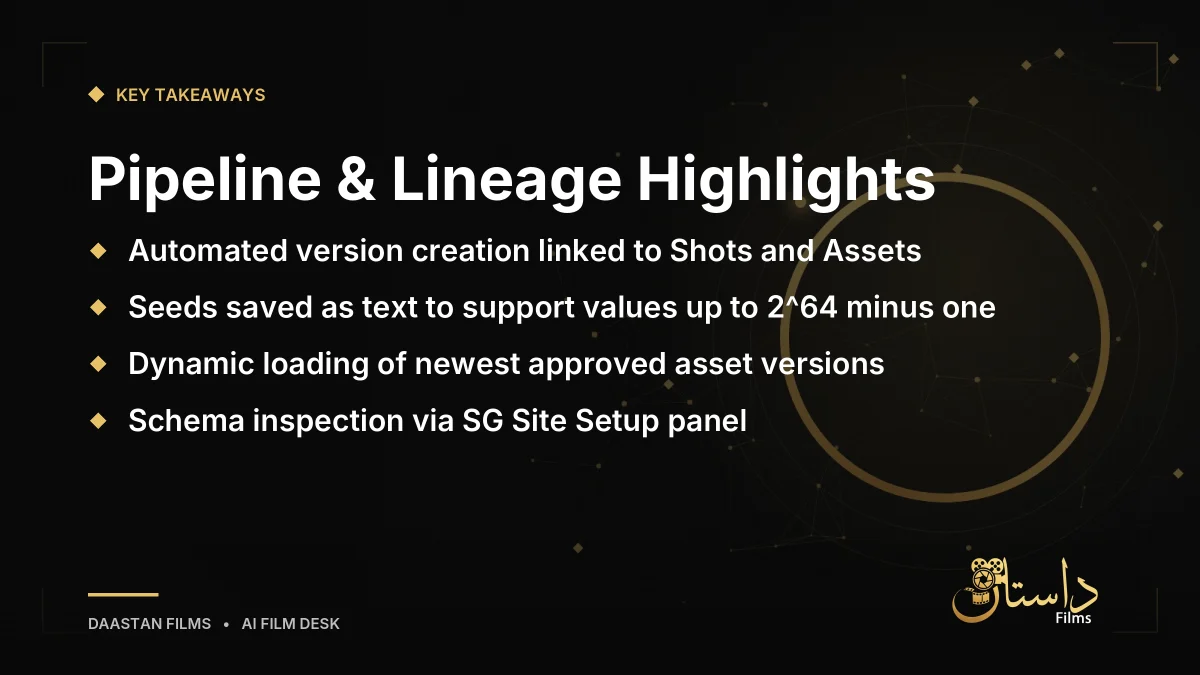
- Seed: Stored strictly as a text string to accommodate ComfyUI seeds up to 2^64 minus one.
- Sampler and Scheduler: Documents the specific sampling algorithm and noise schedule.
- Step Count: Tracks total denoising steps executed.
- CFG Setting: Records classifier-free guidance scales.
- Upstream Lineage: Traces links to prior tracked Version records.
Crucially, the prompt metadata is traced exclusively along the specific generating branch, preventing unrelated text nodes on a large canvas from corrupting the record. If the submitting client provides complete workflow data, the node attaches the full workflow JSON alongside a standardized .provenance.json sidecar file. For API clients or external automation scripts that only submit executable prompt graphs, the system reports missing provenance fields rather than inventing inaccurate data.
To accommodate studio sites that have not yet configured custom database attributes for AI metrics, sg-comfyui includes an automated site inspection utility. The SG Site Setup settings panel inspects the studio schema and creates any missing fields. If custom fields are absent at runtime, SG Publish safely writes the metadata into the general Version description text field or populates available fields while recording remaining metrics in the description.
Loading Tracked Assets and Maintaining Multi-Stage Visual Lineage
Asset tracking in complex pipelines is a two-way street. The second core component of the integration, SG Load, allows artists to pull previously published media directly back into a ComfyUI workspace. Users can search and retrieve media based on Project, link, Task, status, or asset name parameters, or directly pin a specific Version ID.
When invoked, SG Load outputs combined image, video, and mask data into the graph, alongside metadata including the resolved Version ID, entry code, and declared colour space. The node supports high-precision inputs, allowing downstream graphs to consume 16-bit PNG or 32-bit float EXR sequences published in earlier stages.
The true strength of the system lies in its ability to preserve multi-stage visual lineage. When media loaded via SG Load is processed through downstream nodes and subsequently passed into another SG Publish node, the new Version automatically registers the upstream Version ID as its ancestor. Because lineage tracking is strictly scoped to the active execution branch, independent parallel nodes on the canvas are not incorrectly credited in the production database.
Furthermore, SG Load can dynamically resolve the latest matching Version at run time. Pipeline artists can apply filters based on approval status, code substrings, or version numbering order, enabling downstream template graphs to automatically consume the newest approved asset without requiring manual copy-pasting of Version IDs across sessions.
To streamline user access without compromising security, sg-comfyui provides flexible authentication options. Individual artists can log in directly from the ComfyUI Settings panel by navigating to the SG section, entering their site URL, and completing browser authentication via their personal Autodesk identity. Submissions are then accurately attributed to the human creator. For automated render farms or background script execution, the system supports authentication via designated script names and application API keys.
Operational Limits, Pipeline Caveats, and Deployment Best Practices
While sg-comfyui offers major pipeline advantages, developers and technical directors must account for key technical constraints detailed in the project documentation. The integration is currently released as an alpha build, requiring ComfyUI version 0.34.0 or newer alongside Python 3.11.
Production studios must note several specific operational limitations:
- Untested Windows Publishing: The publishing pipeline on Windows environments remains officially untested in the current release.
- Shared Storage Requirement: The tool does not currently generate or publish ZIP archive bundles when local shared storage is absent, making shared storage infrastructure necessary for multi-station setups.
- Colour Management Metadata: The declared colour space is stored strictly as string metadata on the PublishedFile entry. The nodes do not convert pixel values or perform colour transformations, and core ComfyUI lacks a full internal colour-management framework. Pipelines must incorporate explicit colour conversion steps around SG Load and SG Publish nodes.
- Custom Approval Workflows: Approval statuses and review gates vary significantly across studios. Because "approved" is not a standardized universal field across all Flow Production Tracking installations, teams must construct their own automated pipeline rules for status filtering.
Before deploying sg-comfyui into live production environments, technical teams should conduct thorough pilot testing. According to Digital Production, studios should test frame sequences, alpha masks, EXR bit depths, user permissions, and shared path resolution against representative sample projects and site schemas to verify that Version and PublishedFile entities are created accurately.
Conclusion
By bridging the gap between flexible node-based generation and enterprise asset tracking, the sg-comfyui project brings much-needed structure, auditability, and reproducibility to AI visual effects workflows. By capturing seed data, prompts, and branch lineage directly inside Autodesk Flow Production Tracking, studios can transform experimental AI graphs into reliable, production-ready pipeline components.
Frequently asked questions
The project provides SG Publish and SG Load. SG Publish writes generated media and provenance fields into Autodesk Flow Production Tracking, while SG Load retrieves tracked media, masks, and metadata back into a ComfyUI graph.
SG Publish records nine typed fields including generator, model, positive and negative prompts along the active branch, sampler, steps, CFG, and upstream lineage. Seeds are stored as text strings to support values up to 2^64 minus one.
The integration currently requires ComfyUI version 0.34.0 or newer, Python 3.11, and access to an active Autodesk Flow Production Tracking site.
Have a film, DVC or AI project in mind?
Daastan Films blends production, post-production and AI. Let’s talk about yours.