When constructing an automated software stack for content creation, ad generation, or social media automation, relying on a manual browser-based interface will inevitably bottleneck your production speed. According to the reporting by Tech Insider, engineering teams increasingly prefer a direct application programming interface approach. In this setup, a custom script authenticates securely, transmits a generation prompt, polls a status endpoint, downloads the final video clip, and logs the associated costs without human intervention. This examination looks closely at how to approach the Runway Gen-4.5 API setup for scalable video generation pipelines, incorporating market context and structural advice from the source material.
Understanding the Current Video API Landscape
The artificial intelligence video generation market experienced significant structural shifts in the back half of 2026. OpenAI pulled its Sora API on September 24, 2026, removing a widely adopted option for multi-model fallback architectures. Google similarly adjusted its offerings by scheduling the three Veo 3.1 preview models on the Gemini API for shutdown starting October 22, 2026, steering developers toward the newer gemini-omni-1.1-flash route. Meanwhile, competitors updated their flagships: Kling moved to version 3.0 in February 2026 with multi-language audio and 15-second clip support, Luma introduced Ray3.2 in June 2026, and Wan 3.0 launched in October 2026 supporting text-to-video, image-to-video, and reference-to-video conditioning within a single interface.
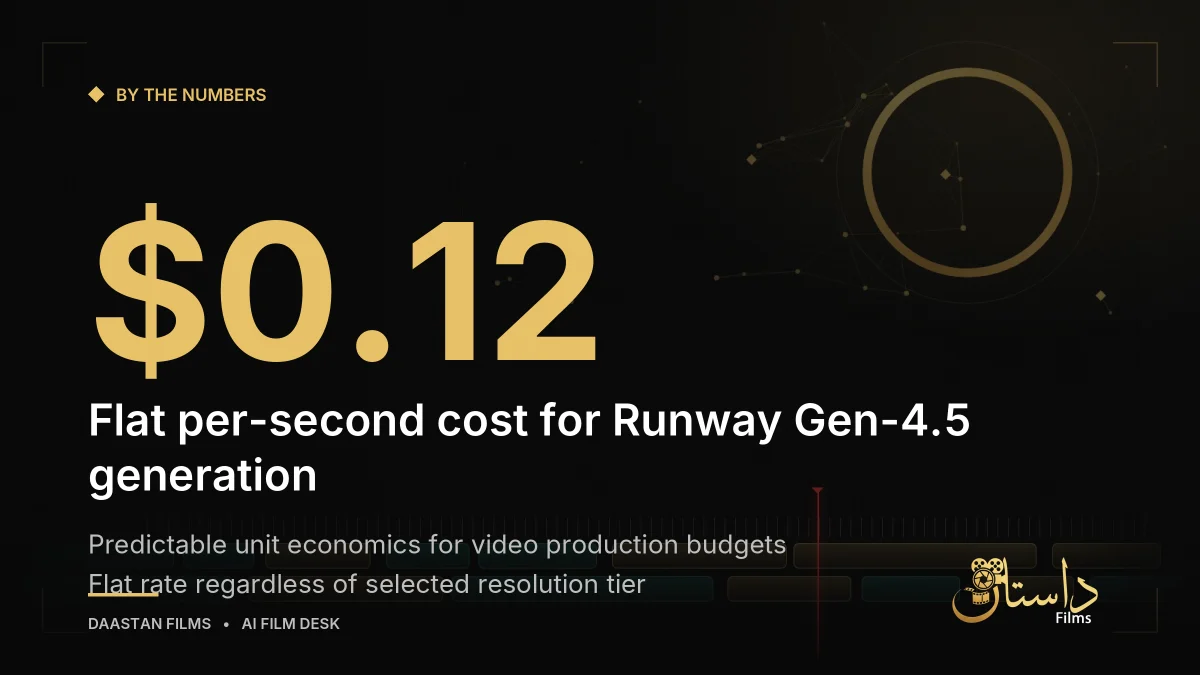
Amid these ecosystem adjustments, Runway's flagship Gen-4.5 model captures attention for its price-per-second predictability. The platform lists Gen-4.5 generation at a flat rate of $0.12 per second. Consequently, a 32-second single take amounts to roughly $3.84 before accounting for any platform fees. This pricing structure remains entirely flat regardless of the resolution tier selected. By contrast, alternatives like Veo 3.1 exhibit wide per-second cost swings, ranging from $0.05 at the Lite tier up to $0.60 per second for 4K on the Standard tier. For engineering and production teams managing strict project spreadsheets, Runway's predictable unit economics offer a stable foundation to build around.
For engineering teams designing multi-model pipelines, understanding these wider ecosystem shifts is essential. When building fallback systems or cost-routing scripts, developers must account for varying model capabilities, conditioning inputs, and deprecation schedules. The shifting availability of developer tools makes it important to design modular software architectures that can swap or supplement video generation providers without requiring a complete rewrite of the underlying application core.
Prerequisites and Development Environment Preparation
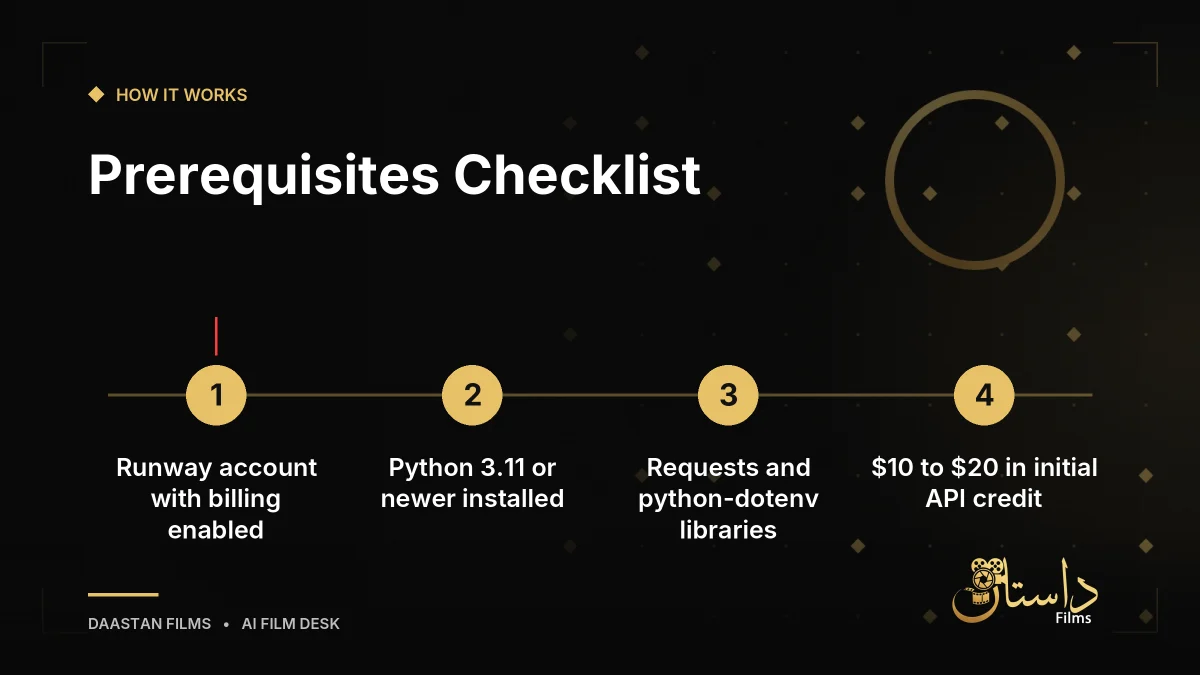
Before writing any code or wiring up an automated client, developers must gather specific prerequisites. Skipping these foundational steps is cited by Tech Insider as the primary reason first-time API integrations stall. Your checklist should include a Runway account with billing enabled via a credit card or prepaid credit balance, since the API bills strictly per generation rather than per seat. You will also need Python 3.11 or newer installed locally, alongside pip 24.0 or a modern alternative like uv or Poetry.
Additionally, ensure your environment includes the requests library version 2.32.3 or newer for handling HTTP calls, and the python-dotenv library version 1.0.1 or newer for managing environment variables. Having a terminal with curl installed is useful for quick initial sanity checks. Developers should also allocate roughly $10 to $20 in API credit for testing phases, noting that short clip generations during development will consume a small amount of funding. A standard code editor like VS Code or Cursor with a Python extension rounds out the toolkit. None of this requires a local GPU or Docker container, as all heavy generation tasks run directly on Runway's cloud infrastructure.
Setting up a dedicated virtual environment ensures that project dependencies remain isolated from other local python installations. Freezing dependencies right away establishes reproducibility across different developer machines or continuous integration servers. When structuring the project directory, developers typically create a dedicated script for the API client wrapper, an entry point file for execution, and a configuration file to store runtime parameters safely.
Initial Account Setup and Credential Security
The integration process begins by establishing your credentials and configuring a secure local project folder. After logging into your account on Runway's platform, navigate to the developer or API settings section to generate a new key. Copy this credential immediately, as platforms typically display the full string only once. Giving the key a descriptive name—such as video-pipeline-prod or video-pipeline-dev—allows you to revoke that specific key later if compromised without disrupting other active software stacks.
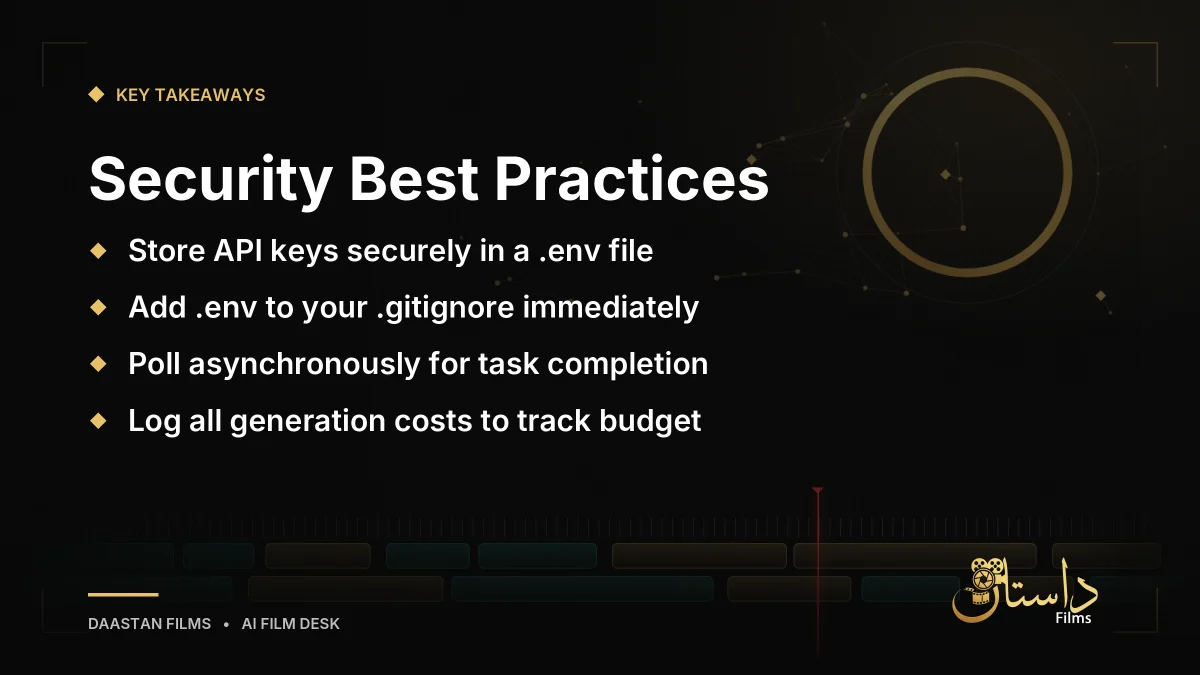
Security best practices dictate that credentials must never be hardcoded directly into your Python scripts, particularly if there is a risk of committing files to a public repository. Create a clean project folder, set up a virtual environment, and initialize your dependency files. Store your secret key securely inside a local .env file. Immediately create a .gitignore file containing a single entry for .env before running your initial git commit. Neglecting this step often leads to leaked API keys being scraped by automated bots within minutes of publication.
Before writing complex integration code, running a quick sanity check from the terminal helps confirm that your authentication keys are completely live. A properly formatted request should return a valid JSON payload detailing account tiers and remaining credit balances. Receiving an unexpected error response typically indicates an incomplete key string, trailing whitespace, or a mismatched regional base URL, which should be resolved before proceeding further with pipeline development.
Asynchronous Workflow and Pipeline Architecture
Once your environment is secured, the core mechanics of the pipeline rely on an asynchronous workflow. Runway's video generation endpoint does not return a finished file in a single synchronous response. Instead, your script submits a generation task, receives a unique task ID in return, and then initiates a polling loop to check the status periodically. Once the job status confirms completion, your code downloads the resulting video file over HTTPS and logs the associated transaction cost to your internal ledger.
For production environments, building resilience requires implementing robust error handling for unexpected HTTP responses and managing potential queue time spikes. Furthermore, engineering a comparison layer or small routing script allows your application to evaluate pricing and availability across multiple models before committing funds. If Runway queue times increase, a routing pattern can seamlessly evaluate fallback options. Always consult the official documentation for exact endpoint URLs, regional configurations, and payload schemas before pushing your automation script into a live production workflow.
Maintaining clear logs and cost ledgers prevents automation scripts from unexpectedly depleting operational budgets. Because video generation carries a tangible per-second cost, monitoring credit consumption alongside task execution status ensures that automated systems remain financially sustainable. Developers should build safeguards into their polling loops and retry logic to gracefully manage API rate limits, temporary network interruptions, or prolonged server-side rendering queues.
Frequently asked questions
According to Tech Insider, Runway lists Gen-4.5 generation at a flat rate of $0.12 per second, making a 32-second single take roughly $3.84 before platform fees.
Developers need a Runway account with billing enabled, Python 3.11 or newer, the requests and python-dotenv libraries, and some API credit for initial testing.
The endpoint operates asynchronously: your script submits a job to receive a task ID, polls separately for the status, and downloads the finished file upon completion.
Have a film, DVC or AI project in mind?
Daastan Films blends production, post-production and AI. Let’s talk about yours.