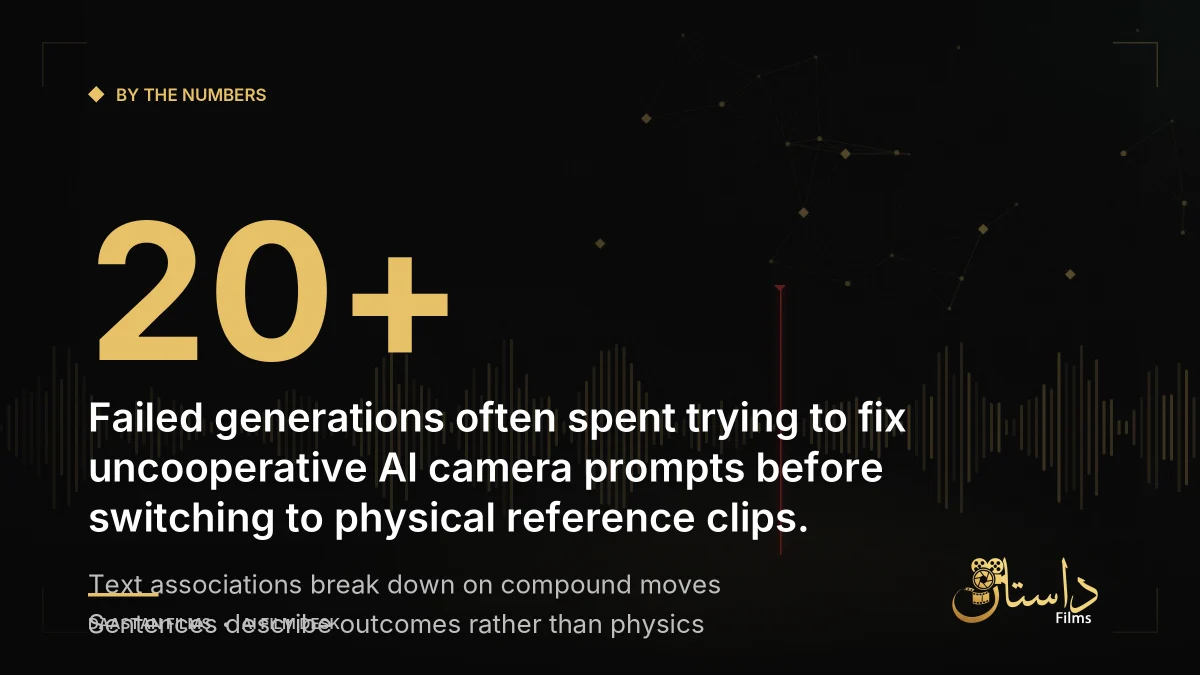
When working with generative video models, trying to force complex camera movements through text alone often leads to frustrating results. According to insights shared on HackerNoon, attempting to make a character turn while an imaginary camera arcs around them can cause generative models to misinterpret instructions completely, cycling through incorrect motions like push-ins or whip pans across dozens of generated versions. For creators tackling solo projects like animated shorts or narrative scenes, watching a render fail repeatedly because the software refuses to follow a simple text instruction is an all-too-familiar bottleneck. Understanding the root causes of this behavior helps filmmakers shift away from trial-and-error prompting toward reliable, predictable hybrid workflows that save time, computing power, and generation credits.
Understanding why text prompts break down reveals a core limitation in how these generative tools operate. Models do not simulate actual physical cameras; instead, they predict pixels based on associations with words like dolly or orbit, and that association becomes increasingly unreliable as instructions get more specific or compound. While basic shots like locked-off frames or simple pans work reliably because they match common training data, compound moves involving blocking, specific timing, or simultaneous actions begin to drift. Even with careful cinematography vocabulary and speed modifiers, sentences can describe an outcome, but they cannot direct physical physics. A prompt describes an intended result and hopes the model fills in the underlying mechanics, whereas a physical reference clip supplies the exact path, speed, and timing as a concrete signal to copy.
To overcome these hurdles without burning endless iterations, a practical hybrid workflow has emerged across the industry. Instead of treating text prompts as the only control mechanism, creators can film a short reference clip using a standard smartphone and feed it directly into the model as a motion source. This shifts the process from merely describing an outcome in text to providing the exact physical path of the movement. According to platform updates and industry reports from mid-2026, this approach has transitioned from an experimental workaround into a fully integrated feature across several popular tools. By evaluating when text is sufficient and when a physical reference is mandatory, filmmakers can drastically cut down on wasted generation cycles and gain precise command over their visual storytelling.
How Different Platforms Handle Camera Control
Different AI video tools approach camera movement and motion transfer through distinct features and underlying architectures:
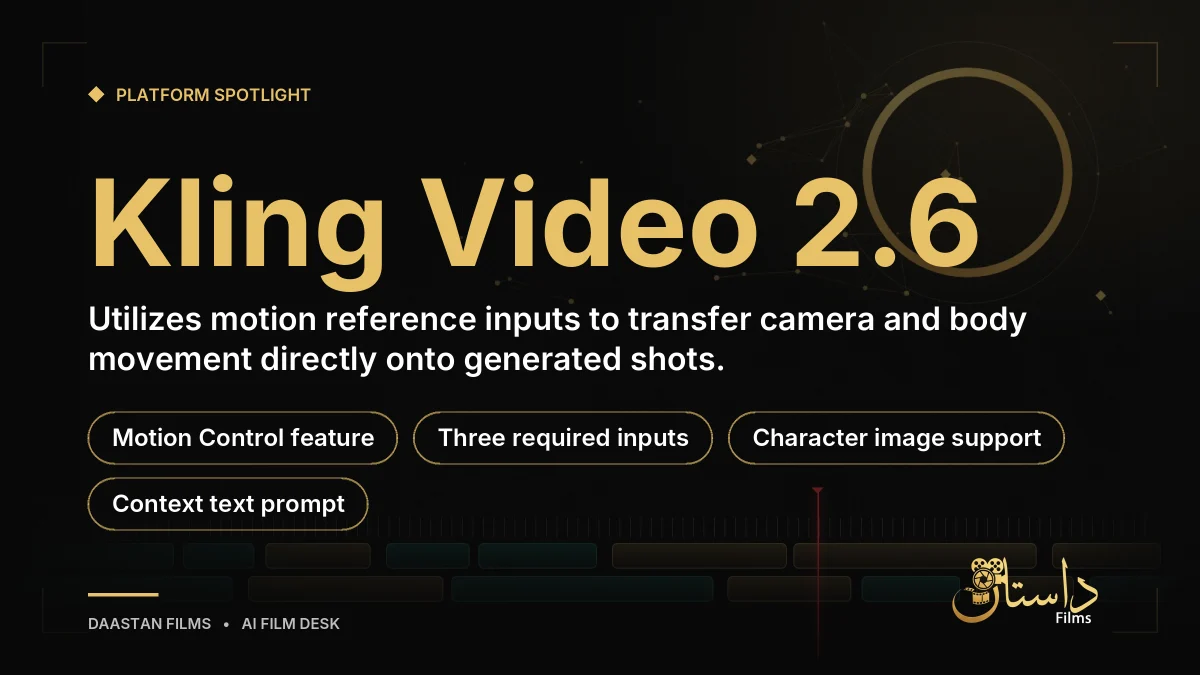
- Kling: Kling Video 2.6 features a dedicated Motion Control capability. It requires three inputs—a character image, a text prompt for context, and a motion reference video—to transfer camera and body motion onto the final shot, as confirmed through official tutorials.
- Higgsfield: Through Cinema Studio, Higgsfield takes a different route by locking camera behavior, lighting, and lens specifications into explicit settings before generation, ensuring consistent physical results from movement wording.
- Runway: Runway relies primarily on text guidance and dedicated user interface sliders, aligning with official prompting guides that emphasize specific cinematography terminology and speed attachments rather than external reference clips.
Step-by-Step Guide to Filming a Usable Motion Reference
When a prompt fails twice in a row for the same reason, it signals the need to stop rerolling the dice and switch from text generation to a physical reference clip. Approaching this workflow effectively involves several practical steps based on tool requirements:
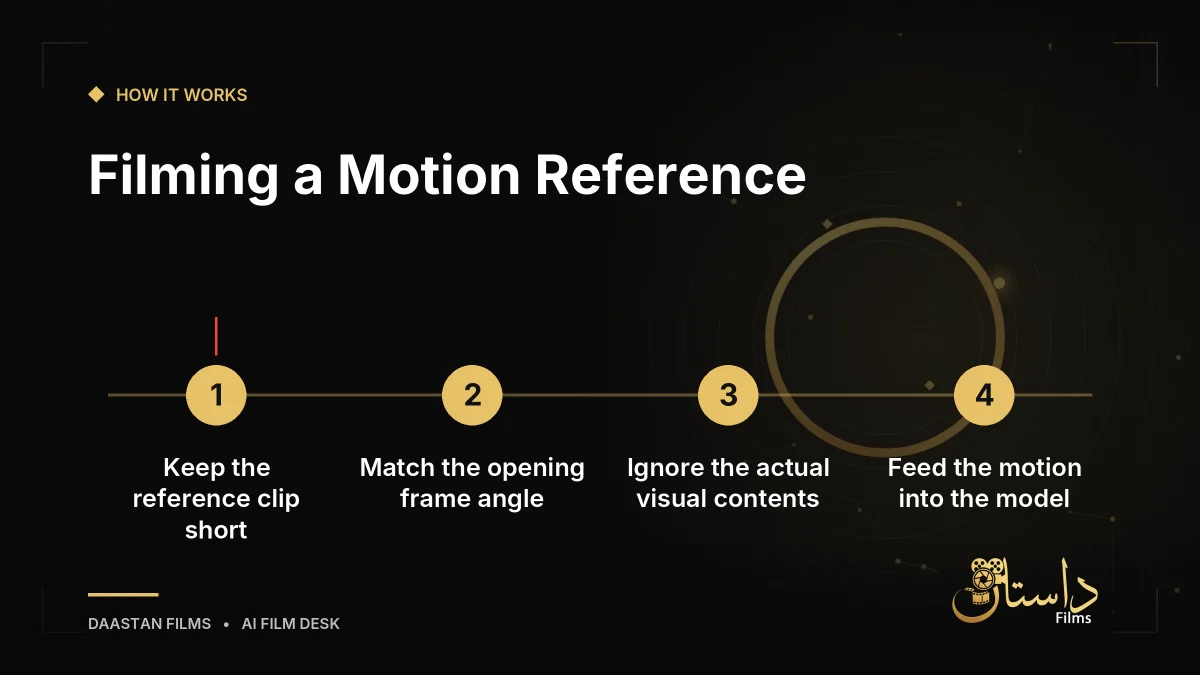
- Determine if the shot requires a complex, arced, handheld, or compound move rather than a simple static frame or basic pan.
- Record a short reference clip lasting between 3 and 30 seconds, matched closely to your target shot length.
- Match your phone's starting angle with the first frame of your target shot to ensure clean motion transfer.
- Ignore the visual contents of your reference clip, as the software extracts only the path and timing while discarding the original footage.
- Feed the motion reference into a supporting tool like Kling to generate your shot cleanly and consistently.
Limitations, Cautions, and Best Practices
While motion references save credits and time—transforming dozens of failed generations into a single successful take—creators should keep specific technical boundaries in mind. Current platform documentation specifies that motion transfer does not yet work reliably with more than a single character in the frame, meaning multi-character blocking still leans heavily on traditional prompting and manual corrections. Furthermore, reference footage is entirely discarded after the software extracts the motion path, meaning the content of your test recording does not impact the visual style or setting of your final generated environment; you can film the movement in your kitchen and apply it to a virtual throne room.
Pre-production planning remains essential to avoid wasting hours of work. A motion reference solves movement execution, but deciding whether a specific scene justifies a dynamic camera move versus a simple static frame belongs in your storyboard or pre-production planning phase. Tools like ScreenWeaver encourage locking camera language into the shot list during pre-production so creators already know which shots are simple enough to prompt and which ones are worth spending a couple of minutes filming with a phone. By weighing these factors carefully before generating, filmmakers can maintain artistic consistency and optimize their creative pipelines.
Frequently asked questions
Models predict pixels based on word associations rather than simulating actual camera physics, making compound or multi-axis movements unreliable when described purely in text.
A short self-filmed clip—between 3 and 30 seconds—where you record the exact path, speed, and timing of a camera move to feed into a tool like Kling as a motion source.
No. The software extracts only the movement path and timing from your reference clip, and the original footage is discarded.
Have a film, DVC or AI project in mind?
Daastan Films blends production, post-production and AI. Let’s talk about yours.