When creators start exploring artificial intelligence for film, the most common question is whether a single prompt can generate an entire movie. According to the HackerNoon article by the founder of Outerframe Studio and creator of ScreenWeaver, the answer in 2026 is a firm no. Every video model generates short individual clips per request, and requests do not remember what came before them. Building a film requires planning hundreds of shots before generating a single frame, and while one-click tools can hide that planning, they cannot remove it.
Understanding the Clip-Length Math in Practice
To grasp why one-click solutions struggle with long-form content, creators must look at the raw math of clip durations. According to Google's Gemini API documentation for Veo 3.1, individual clip lengths run for 4, 6, or 8 seconds. Users can extend a Veo video by 7 seconds at a time up to 20 times, reaching a maximum continuous take of 148 seconds, which amounts to two and a half minutes as one continuous take. Other options like Wan 3.0 generate between 2 and 30 seconds per clip. These durations sit far away from the requirements of a full narrative piece.
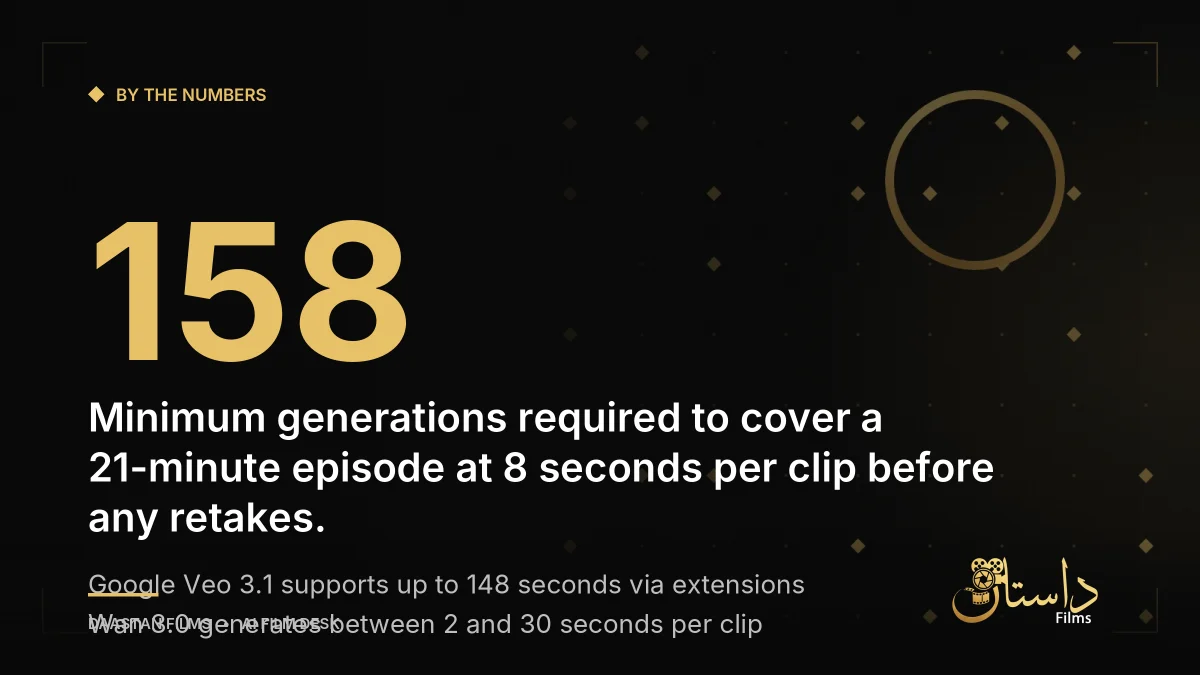
Consider a short animated episode running 21 minutes, which translates to 1,260 seconds of screen time. At 8 seconds per clip, a creator needs at least 158 generations simply to cover the runtime once—before factoring in retakes. Because nobody keeps every take, the generation count rises quickly. Without a deliberate plan, relying on automatic generation tools leads to drifting character faces, fluctuating room locations between two shots meant to happen in the same room, and erratic camera movements that have no rhythm, making it impossible to fix one shot without regenerating a whole block.
Why One-Click Prompts Break Down and How Continuity Works
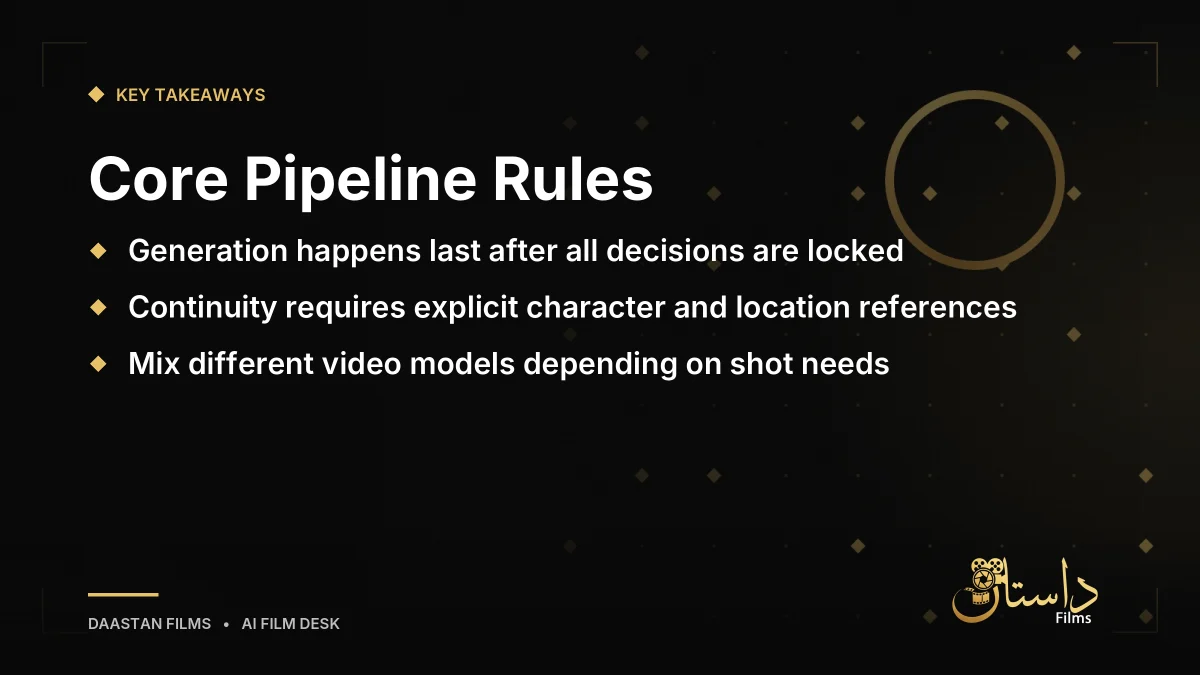
A single generation request starts from zero. Models do not recall what they produced five minutes prior unless specific details are provided within the prompt, images, or video attachments. Consistency relies entirely on references passed into the request. If two consecutive shots feature the same knight in the same corridor, it happens because the creator supplied matching character references, location references, and descriptive lighting prompts.
Automated tools guess these references from a brief two-line idea without knowing specific details like a lantern for a head, left-side corridor lighting, or a cold mood. They guess once and then guess differently on the next shot. A screenplay, a shot list, and a storyboard carry the necessary information that a single prompt lacks. Separating creative decisions from actual generation prevents wasted resources and stops creators from spending fifty hours fixing unguided generations.
A Practical Shot-Stitching Workflow for Filmmakers
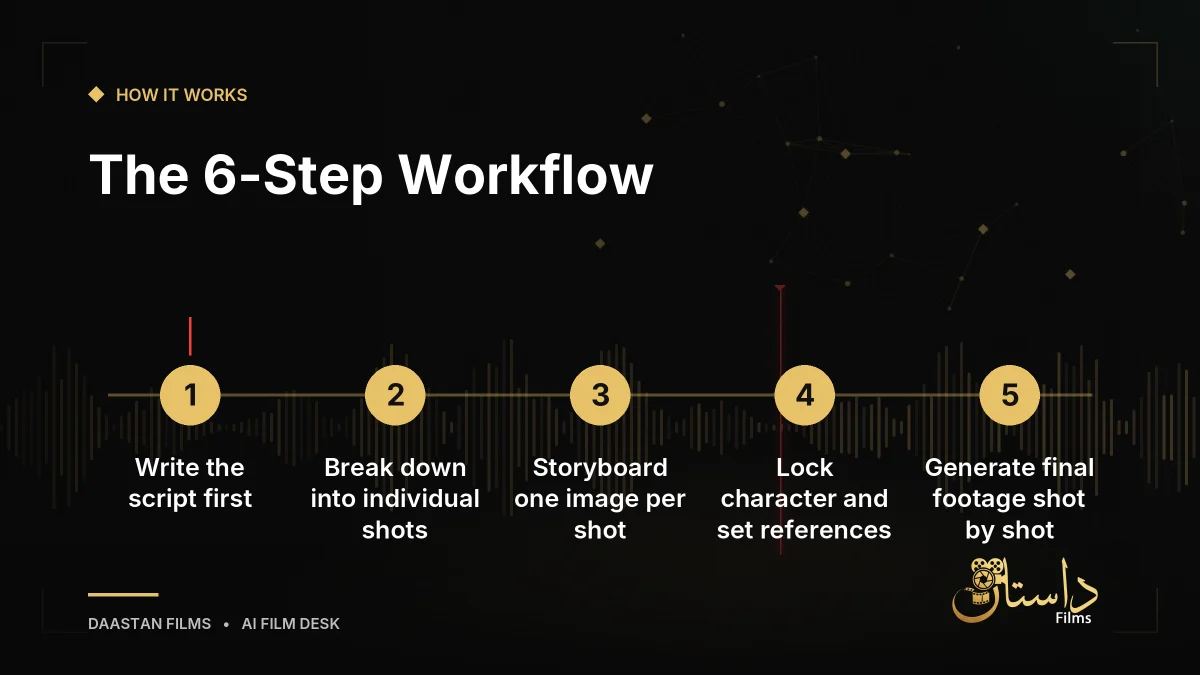
A reliable production process moves generation to the very end of the pipeline. According to experienced creators, a successful workflow follows a strict sequence of decisions before execution:
- Write the script covering scenes, characters, places, and what happens and why.
- Break the script into shots detailing framing, angle, movement, and duration.
- Storyboard one image per shot to find bad ideas cheaply.
- Lock references including character sheets, locations, and props.
- Generate footage shot by shot from the storyboard and references.
- Edit the takes, cutting what fails and regenerating only specific shots.
Pipelines like ScreenWeaver connect these stages across dedicated tabs for scripts, storyboards, and production. Projects can integrate multiple foundational models depending on what individual shots require, using options such as Seedance 2.5, Seedance 2.0, Veo 3.1, Kling v3.0, MiniMax H3, Grok Imagine Video 1.5, and Wan 3.0, because no single model wins every shot.
Managing Expectations, Costs, and Limitations
Approaching AI video with a structured workflow helps filmmakers avoid the trap of spending hours fixing unguided generations. Free writing plans allow creators to build and refine stories before investing in paid production tiers, while full pipelines offer script editors, outline builders, moodboards, and file import or export options. By treating AI as a rendering tool rather than an automatic director, filmmakers retain creative control over every single shot in their project. When weighing your approach, consider whether your current process relies too heavily on magic prompts or structured planning. Always verify your pipeline requirements and test your narrative on the page before committing time and generation budgets to final footage. Taking the time to properly break down scenes, organize assets, and separate the writing phase from the execution phase ensures that your final assembled piece maintains visual integrity, narrative coherence, and professional quality across every single frame.
Frequently asked questions
No. Every AI video model generates short clips per request, and requests do not remember previous generations. A project made of hundreds of shots has to be planned shot by shot before anything is generated.
Consistency is achieved by passing explicit character and location references into every generation request rather than relying on the model's memory, ensuring matching visual details from shot to shot.
Storyboarding involves creating one image per shot before generating video clips. Because generating images costs far less than video clips, storyboarding allows creators to find and fix weak ideas cheaply early in the process.
Have a film, DVC or AI project in mind?
Daastan Films blends production, post-production and AI. Let’s talk about yours.