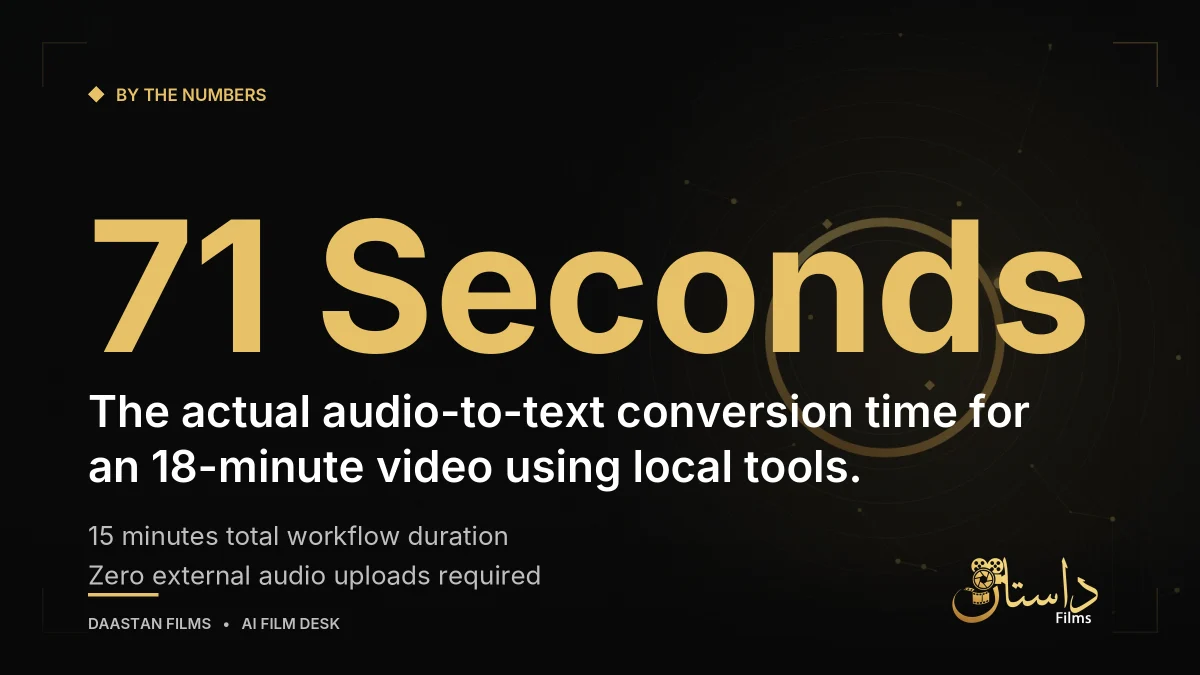
When editing long-form video interviews, press conferences, or briefing sessions, digging through hours of footage to find specific quotes can grind post-production to a halt. Traditionally, typing out an interview by hand takes hours, while standard auto-captions often garble names and place names. Fortunately, modern workflows combine local open-source software to tackle transcription quickly and securely. According to a recent account detailed on Note, editors can transcribe an 18-minute video in just over a minute using a combination of automated speech recognition and smart cross-referencing.
Understanding the Local AI Transcription Setup
Before jumping into a project, it helps to understand what tools drive this efficient workflow. Running transcription tasks locally on your computer means you do not need to send sensitive interview audio to external cloud services—a crucial consideration for confidential content. The setup relies on a few core free utilities that can be installed and managed automatically during the process: yt-dlp to extract audio and automatic captions from video files or online links; Whisper to convert the isolated audio track into text locally without external cloud processing; ffmpeg to adjust audio volume or trim specific sections when parts of the recording are too quiet; and pandoc to convert finalized text into structured word-processing documents.
In practice, editors often face scenarios where records only exist as videos or audio files, such as briefing sessions they did not attend, training sessions, or publicly available videos. To check what was said at a specific time later on, editors traditionally end up having to skip through video files repeatedly. Typing out audio by hand while listening can easily turn an 18-minute video into a one-to-two-hour chore. While YouTube features automatic captions, names of people and places frequently get garbled, leaving them in a state where an editor might be afraid to use them directly in formal documents. Furthermore, while paid transcription services exist, professionals must carefully consider whether it is acceptable to send sensitive audio to an external cloud service depending on the content.
Step-by-Step AI Video Transcription Workflow
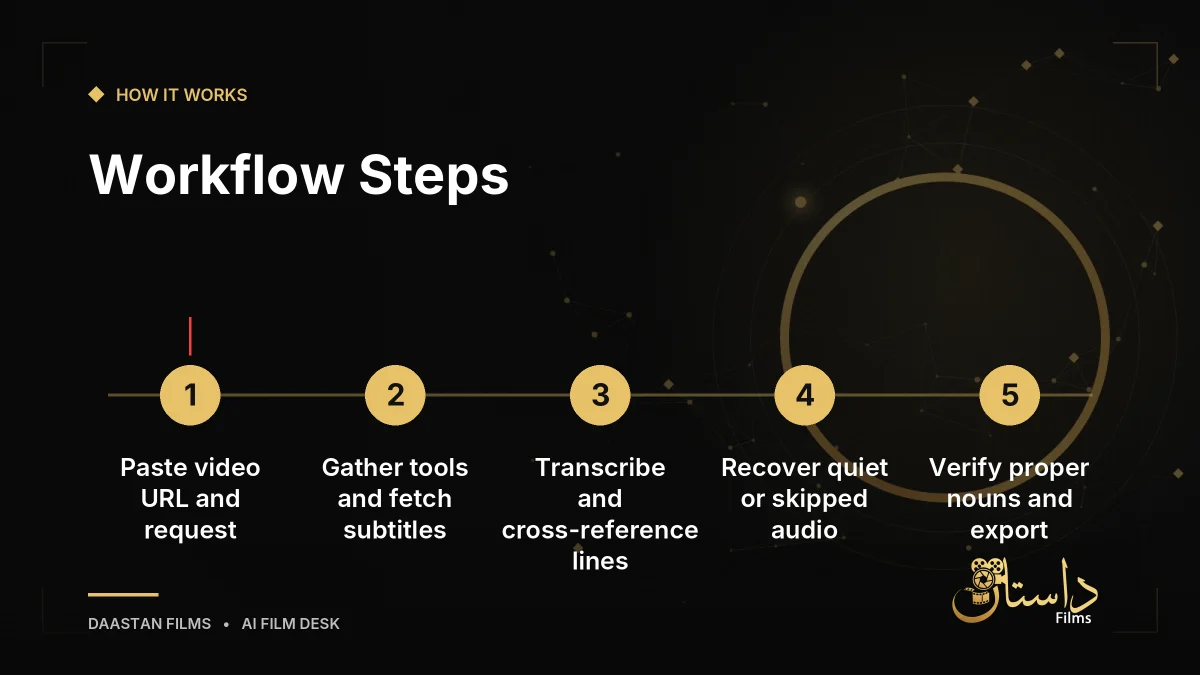
To implement this setup in your editing routine, follow a structured sequence from initial ingestion to final formatting. Always check the terms of use before handling publicly available videos. The process moves from initial requests to tool installation, subtitle retrieval, audio processing, proper noun verification, and final document delivery.
First, provide the video link and outline your structural needs to the assistant. As the software begins gathering necessary tools, you can add requests to help shape the output later. The system then automatically installs required utilities and pulls platform-generated captions as a baseline. At this point, the system often determines that automatic subtitles alone are insufficient because place names, city names, and words in serious scenes can be replaced by unrelated words or words with the same sound but opposite meanings. Next, the tool runs Whisper to convert the extracted audio, comparing results line-by-line against automatic subtitles to flag discrepancies. If both sources agree, the text is likely correct; if they differ, that specific part receives verification.
During this comparison, you may notice parts that Whisper skipped entirely. Voices far from the microphone are recorded at a low volume, leading Whisper to judge them as silence and write nothing. To recover these sections, the process extracts the audio for those specific parts, increases the volume, slows the playback down to 0.7x speed, and runs them through Whisper again. Finally, the system presents any remaining ambiguous proper nouns with multiple-choice options for a human editor to resolve quickly. Once verified, headings are added at conversation breaks, paragraphs are organized, and the document is prepared for export.
Managing long-form interview content requires careful attention to detail, especially when dealing with multiple speakers, distant microphones, or complex technical jargon. When editors approach large archives, the sheer volume of recorded material can become overwhelming. By relying on a local workflow, creators maintain full custody of their files while cutting down the tedious mechanical labor of manual transcription. This leaves more creative bandwidth for the actual editing process, ensuring that narrative pacing and character arcs take center stage during post-production.
Refining Accuracy and Handling Output Challenges
Automated speech recognition is notoriously weak at handling proper nouns, city names, and unfamiliar terms. If left to guess, the software will generate plausible-sounding errors that blend seamlessly into clean sentences, making them difficult to catch later. As noted in the Note article, the best approach is to prompt the system to present ambiguous terms with multiple-choice options for a human editor to resolve in seconds, avoiding the need to make the software think about things someone familiar with the content can decide instantly.
Post-production teams must also watch out for delivery hiccups. A generated document might look fine on your local editing rig, but recipients can encounter corrupted file errors if empty components remain hidden inside the file structure. In the cited account, a generated Word file refused to open on another computer because the conversion tool left two empty components inside the file, causing Word to treat it as corrupted. Interestingly, the file opened normally during verification because the internal software displayed it without worrying about empty components. To guarantee accessibility and ensure there is no way a file fails to open, consider delivering the clean, finalized transcript directly within the body of an email rather than relying on attachments when sharing across different computer environments.
Ultimately, adopting a streamlined transcription method transforms how post-production teams archive and search through raw footage. By understanding the limits of automated speech recognition, utilizing local tools to preserve data privacy, and incorporating smart human-in-the-loop verification steps for proper nouns and quiet audio sections, editors can build a robust system that saves hours of manual labor while maintaining absolute accuracy across every project.
Frequently asked questions
According to the sources, automatic captions often garble proper nouns, town names, and city names with similar pronunciations or completely unrelated words. Cross-referencing Whisper's transcription with automatic subtitles helps catch errors and missing dialogue.
When Whisper skips sections due to low volume being interpreted as silence, editors can use ffmpeg to increase the audio volume and slow the section down to 0.7x speed before running it through Whisper again.
If a file displays an error stating it cannot be read due to empty components left during conversion, the most reliable workaround is to resend the entire finalized text directly in the body of the email.
Have a film, DVC or AI project in mind?
Daastan Films blends production, post-production and AI. Let’s talk about yours.