
Viral short-form clips edited automatically by AI have flooded social media feeds, but achieving that level of automation typically requires expensive recurring software stacks. According to Gadget Pilipinas, workflows relying on cloud tools like Claude Pro subscriptions and third-party generative video or audio plug-ins quickly hit a paywall. Furthermore, these cloud services often export flat, uneditable MP4 files, meaning any minor error in subtitles or pacing requires a complete re-prompt and wastes valuable usage tokens. With shifting Forex rates and cloud providers tightening usage limits, creators run the risk of exhausting their tokens before finishing a single polished video.
A practical alternative is building a local AI editing pipeline. By utilizing a machine equipped with a capable dedicated graphics card—such as an ASUS Agent Computer running an ASUS Prime GeForce RTX 5060 Ti 16GB—creators can run local models like Qwen 3.6 35B-A3B at a 2-bit quantization via GGUF, or other open-source alternatives like Gemma 4. Having sufficient VRAM allows the system to handle structured editing tasks while keeping the timeline completely open for manual refinements in CapCut Desktop.

Understanding the Open-Source Local Toolchain
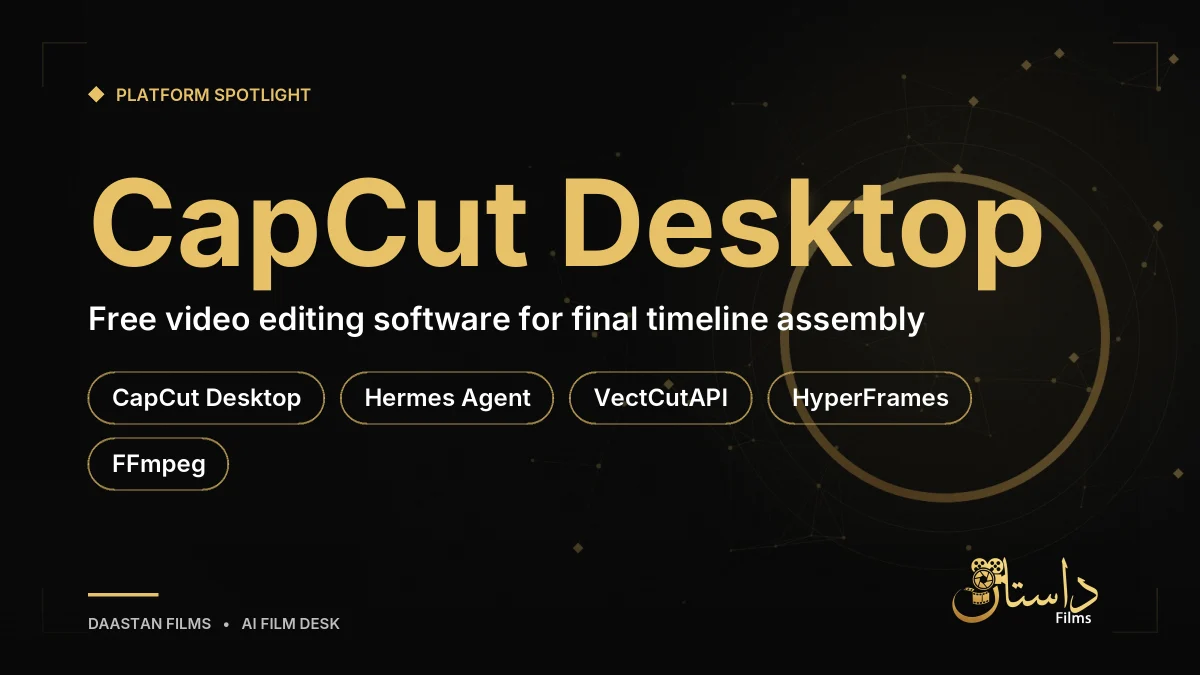
When building a professional, subscription-free editing pipeline, understanding each component of the underlying toolchain is essential. According to the source report, transitioning away from cloud-locked applications means relying on an ecosystem of robust open-source utilities designed to work in harmony. This setup gives filmmakers complete sovereignty over their data, eliminating the risk of unexpected price hikes, usage caps, or forced platform migrations.
The core components detailed in the report include:
- Hermes Agent: An open-source AI agent harness from Nous Research that enables local models to execute terminal commands, read files, run Python scripts, and invoke modular tools without vendor lock-in.
- CapCut Desktop: The free video editing software used to assemble, review, and finalize project drafts.
- VectCutAPI: An open-source utility allowing AI agents to programmatically build and modify native CapCut draft files, including video clips, text, audio, and keyframe animations.
- SmartCut / CapCut AI Editor: A utility that analyzes auto-generated subtitles to detect silences, trim dead air, and cut duplicate takes.
- HyperFrames: A code-to-video motion graphics engine transforming web animations into video assets and transparent overlays.
- FFmpeg: An essential open-source multimedia utility used for rendering video overlays, extracting audio waveforms, and converting media.
In practice, utilizing these tools together means that your local AI assistant can execute complex tasks that traditionally required manual timeline tinkering. For instance, instead of rendering a completed flat video that hides mistakes, the system communicates directly with your editing software's project files. This hybrid approach pairs the speed of artificial intelligence with the precision of human-guided post-production.
Organizing Your Workspace and Assets
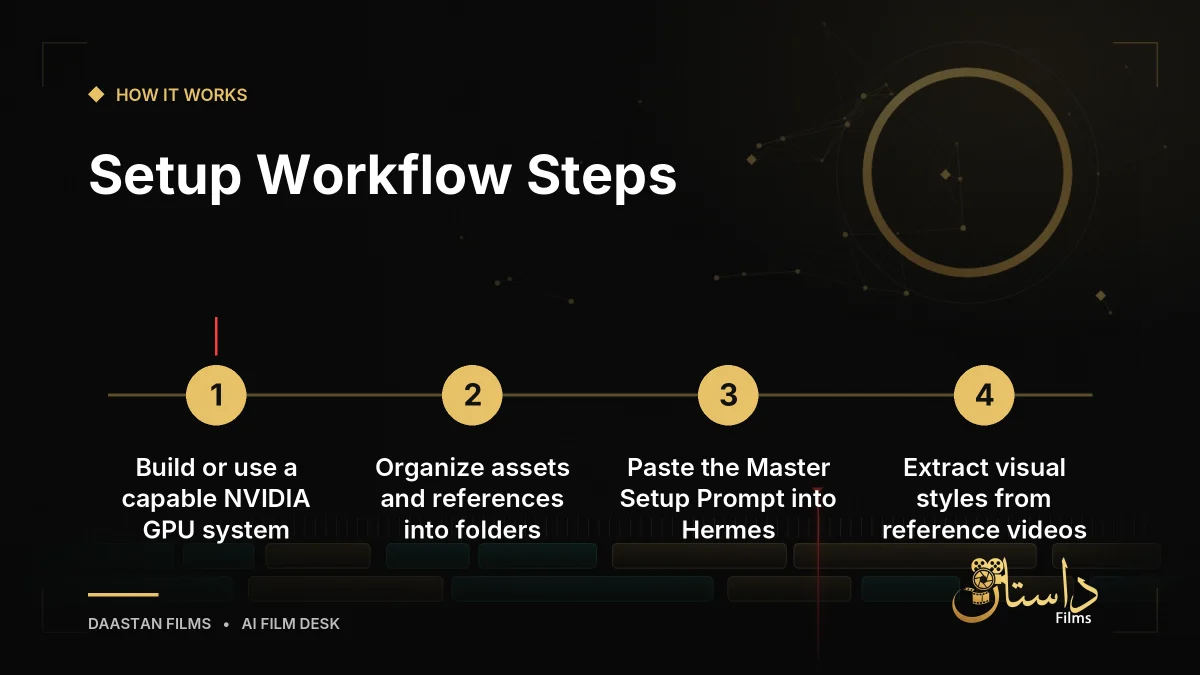
Before giving instructions to your AI, proper file organization is essential so the system knows exactly where raw footage and reference styles reside. Establishing a clean, predictable folder structure saves processing time and prevents the local model from misinterpreting asset paths during script execution. Create a dedicated folder on your computer named after your video project, and structure it with two distinct subfolders:
- AI Editor/Assets/: House your main raw camera footage (A-roll), extra video clips or product close-ups, screen recordings or still photos, background music tracks, and your written script or voiceover notes.
- AI Editor/References/: Store one to three viral reels or video clips whose pacing, text styles, or cuts you want the AI to analyze and replicate.
Maintaining this separation ensures that the AI can easily differentiate between raw building blocks and aesthetic guides. When working with local agents, clear organization acts as a safeguard, ensuring that file paths remain valid across different operating system environments and terminal scripts.
Running the Master Setup Prompt and Managing Style
To avoid manually cloning repositories or installing Python packages individually, you can use a master setup prompt within your Hermes console. This initial configuration instructs the AI agent to inspect your operating system, verify your NVIDIA GPU and model runtime availability, check for FFmpeg in your system PATH, and prepare the HyperFrames environment. It also locates your local CapCut Desktop drafts folder and packages the VectCutAPI tools and SmartCut silence-detection scripts into a local Hermes skill named “capcut-editing.” Additionally, the system follows a strict safety rule: it never overwrites raw video footage, always creating a new draft copy of any CapCut project prior to making modifications.
To move past vague instructions like making a video look engaging, you can point Hermes to the files in your References folder to establish a concrete visual style and motion design brief. In practice, this local workflow helps filmmakers avoid recurring subscription fees and prevents token depletion caused by fluctuating cloud limits. However, users should keep in mind hardware prerequisites, as running large language models smoothly requires a modern desktop computer with a dedicated graphics card featuring 12GB to 16GB of VRAM or higher. Because the workflow relies on open-source integrations and local script execution, creators should check official documentation for exact menus and terminal commands during setup.
Ultimately, a local editing setup returns control to the filmmaker by generating native project files rather than unalterable exports. Reviewing the generated timeline directly inside CapCut allows for precise timing adjustments, ensuring that automated cuts and word-pop captions can be hand-tuned to professional standards. Creators should remain mindful of hardware performance limitations and ensure their local environment is fully configured before processing extensive video assets.
Frequently asked questions
A modern desktop PC with a capable NVIDIA GPU featuring 12GB to 16GB of VRAM or higher is recommended to run local models efficiently.
Local workflows avoid recurring subscription fees, token limits from inflation, and flat uneditable video exports by generating native CapCut project drafts.
The SmartCut utility analyzes auto-generated subtitles to automatically detect silences, trim dead air, and cut duplicate takes directly in the draft.
Have a film, DVC or AI project in mind?
Daastan Films blends production, post-production and AI. Let’s talk about yours.