Node-based visual effects design is getting a conversational co-pilot. According to Digital Production, the newly introduced Comfy Agent brings AI-driven assistance directly into the node-based interface and inference engine, streamlining how visual effects artists build, edit, and run complex generative pipelines.
For those building complex production pipelines, setting up nodes manually can be time-consuming. ComfyUI exposes processing steps as an editable graph where artists load models, write prompts, run samplers, and save reusable JSON files. The new update shifts some of the heavy lifting of node wiring and pipeline construction to an integrated conversational assistant. Rather than manually connecting every parameter, creators can engage in a dialogue to establish their baseline processing stages.
Understanding this platform addition requires looking closely at how node-based interfaces operate in professional environments. Traditionally, artists spend considerable time hunting down nodes, establishing correct links between parameters, and debugging missing connections when an execution halts. By introducing an assistant capable of interacting directly with the graph, the development team aims to reduce repetitive mechanical tasks. However, as the launch coverage points out, human oversight remains vital because an artificial intelligence still needs a human supervisor to determine if the visual output actually meets aesthetic standards.
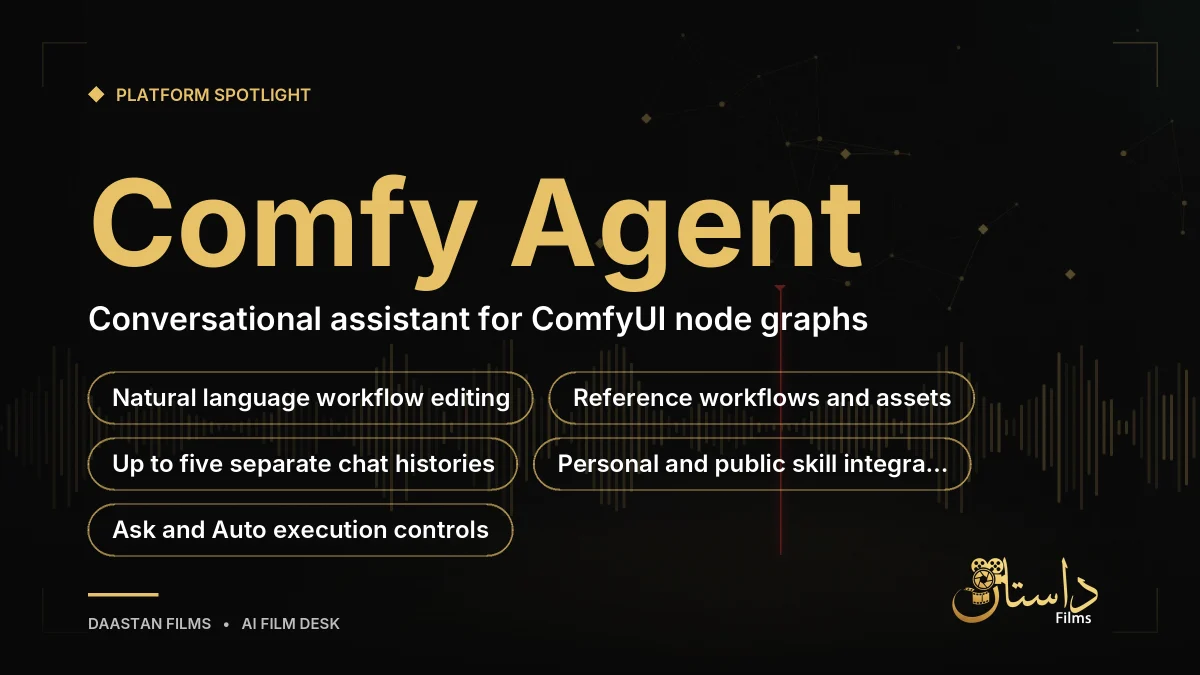
What Comfy Agent Offers Creators
The newly launched assistant allows creators to ask for image setups, modify processing stages, or request help with graph errors. Instead of manually connecting every node, artists can reference existing workflows, drag in assets, or identify specific nodes while continuing to refine their project. Suggested tasks include comparing video models or applying an existing product-shot workflow across multiple batches of images.
Up to five separate chats can retain their individual histories and contexts simultaneously. However, the system requires careful management of targets. The workflow selector fixes the edit target for a request, meaning that switching tabs during a response will not redirect the agent, and the assistant cannot create or switch tabs on its own. Understanding this operational boundary helps prevent the assistant from modifying unintended tabs while your attention is elsewhere. If you wander to another tab, the enthusiastic assistant continues working on the original target, highlighting the importance of keeping your active window aligned with your conversational instructions.
When approaching complex visual projects, professional studios often look for ways to maintain a consistent house style. Comfy Agent allows creators to define personal skills, which are saved instructions with specific names and usage descriptions. These can specify dimensions, backgrounds, output nodes, and validation habits. Public skills are similarly available, and pasting a SKILL.md file can turn it into a personal skill for your projects. This capability allows teams to embed operating instructions directly into their interactive environment, ensuring that repeated tasks adhere to established guidelines without requiring manual re-typing of prompts every single time.
Execution Controls and Personal Skills
The platform distinguishes execution permissions through specific run controls. Ask mode prompts the creator to approve each workflow execution individually, whereas Auto permits runs without individual confirmation. Both modes allow the assistant to make graph edits. Additionally, a large stop button ends the current agent response, though submitting a workflow requires separate queue controls. Creators should remember that this stop button is not a universal kill switch for every active job consuming resources across the entire backend.
From a practical workflow perspective, adopting an AI assistant requires balancing creative exploration with resource management. Because the chat interface handles natural language requests independently from graph execution, explaining an extended brief or debugging a tricky node sequence can accumulate token charges before any actual image generation begins. Filmmakers should weigh the clarity of their prompts against their allocated credit pool to maintain budgetary control during extensive pre-production testing. Since chat messages and GPU runs draw from the same credit pool under separate accounting mechanisms, keeping instructions concise helps prevent unexpected token consumption.
Cloud Infrastructure and Practical Cautions
Running complex pipelines on the cloud involves specific infrastructure and cost considerations. Cloud execution utilizes RTX PRO 6000 Blackwell hardware featuring 96 GB VRAM. Job time ceilings vary by tier, with Standard and Creator jobs capped at thirty minutes, while Pro tiers extend this limit to one hour. Creator and higher tiers also permit model and LoRA imports, giving advanced users flexibility in their model choices.
Creators should note that cloud GPU charges accrue specifically during execution, while Agent chat maintains separate token charges against the same credit pool. Explaining an extended brief to the assistant can therefore consume budget before image generation even begins. Furthermore, Anthropic supplies the assistant models, but this does not dictate which image or video model your graph must use, leaving the final choice of generative engines entirely in the hands of the artist. It is also worth noting that while Comfy MCP offers a separate integration for external agents, the built-in Comfy Agent operates via its own distinct door and architecture.

Getting Started and Platform Limitations
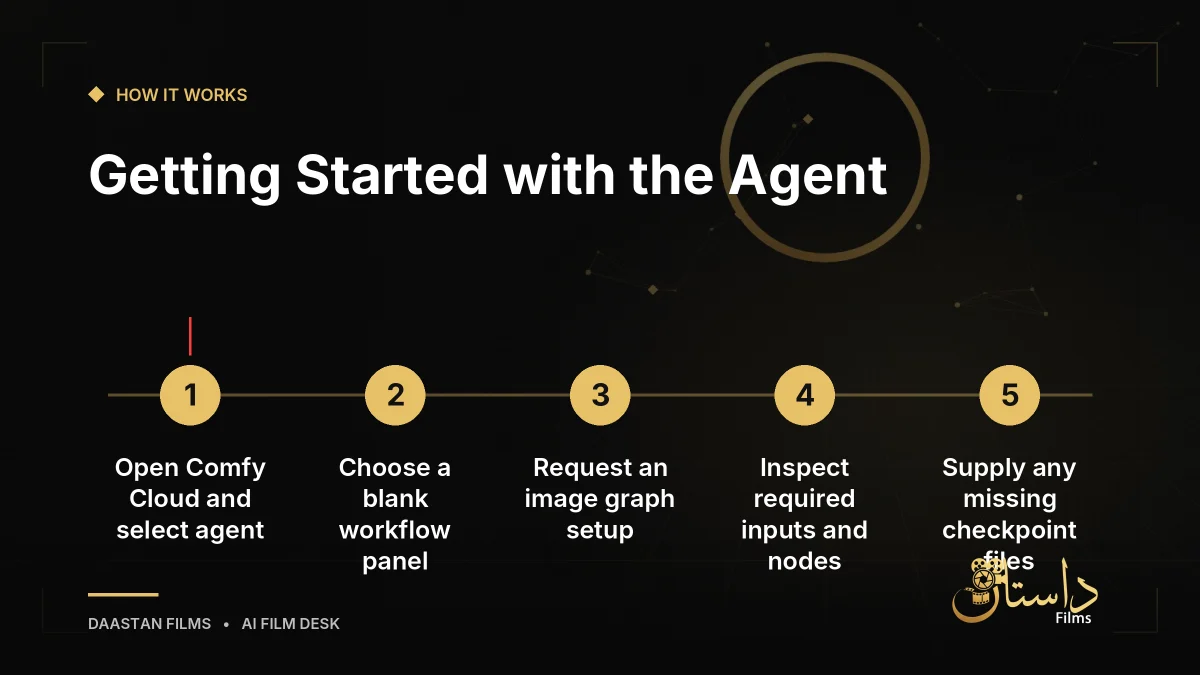
Getting started begins by opening Comfy Cloud and selecting the agent interface. Initial chat access includes free tokens, after which a positive credit balance is required. Creators can follow a straightforward path to test out the features inside their workspace.
- Open Comfy Cloud and select Ask Comfy Agent.
- Choose a blank workflow in the Agent panel.
- Request an image graph with an output node.
- Inspect graph connections and required inputs.
- Supply or replace any missing models or files.
Meticulous review remains essential. As the launch notes emphasize, natural language acts as a helpful front door, but it cannot conjure missing checkpoints out of thin air if a model file is absent from your environment. Local execution is not a guarantee of offline assistant capability, as messages and workflow metadata still pass through online services even when running local workflow nodes. Keep these technical boundaries in mind as you integrate conversational assistance into your studio pipelines, weighing the convenience of natural language control against hardware availability, queue wait times, and token economics.
Frequently asked questions
Comfy Agent is a conversational assistant integrated into ComfyUI that allows creators to build, edit, and troubleshoot node-based visual effects workflows using natural language prompts.
Up to five chats can retain separate histories and context at once, though they must still share and respect the underlying system execution queue.
No. Even when using local workflow nodes, chat messages and relevant workflow information pass through Comfy's online cloud service.
Have a film, DVC or AI project in mind?
Daastan Films blends production, post-production and AI. Let’s talk about yours.