Kling AI has officially released its next-generation image creation model, Kling Image 4.0, bringing significant upgrades in realism, text rendering, and batch generation. For technical directors, concept artists, and visual designers looking to integrate these capabilities into existing node-based pipelines, understanding the newly added integration is essential. According to the official announcements, partner nodes have been added to ComfyUI core, allowing creators to connect external API calls directly into their workspace.
This tutorial breaks down what the release offers, how the new ComfyUI nodes function based on source code descriptions, and what filmmakers should keep in mind regarding quality, limits, and practical application. Whether you are building detailed movie storyboards, crafting e-commerce product detail pages, or designing web layouts, this guide outlines the structured approach needed to test and deploy these assets effectively.
Understanding Kling Image 4.0 and Its Core Architecture
Kling Image 4.0 is built on a Native Unified Understanding and Generation Architecture, merging image comprehension and generation into a single autoregressive framework. According to the developer documentation, this design translates detailed creative briefs directly into final visual assets without treating understanding and generation as separate steps. The platform is accessible via Kling Creative Studio and through enterprise and developer APIs.
Key highlights of the model include native 8K image generation, which developers state enhances lighting transitions, skin textures, and material details like fabric, glass, and metal. This high-resolution output is designed to provide greater flexibility for cropping and large-format displays, ensuring that fine details such as freckles, hair, and leather wrinkles remain clear. Additionally, the system includes over 110 color-grading presets and supports color tone incorporation via reference images.
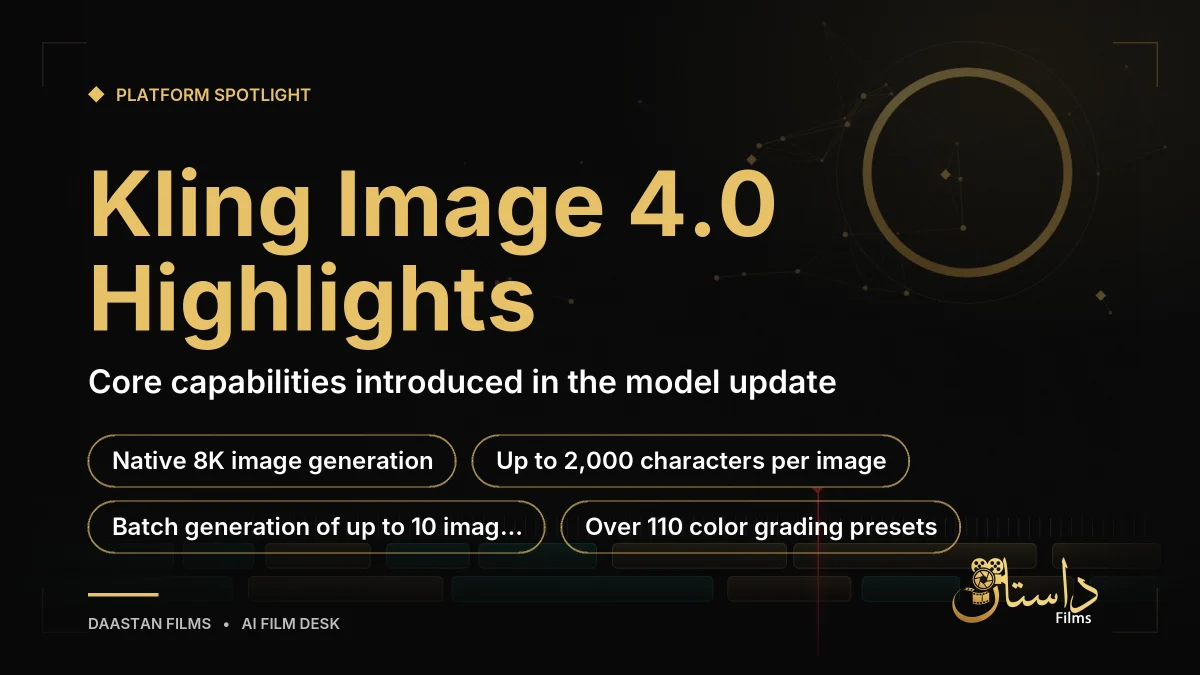
Text expression is another major focus of this update. The model can handle prompts of up to 15,000 tokens and can generate up to 2,000 characters within a single image. It supports over 70 commercial font presets across seven languages: Simplified Chinese, Traditional Chinese, English, Japanese, Korean, Spanish, and Portuguese. Furthermore, generated assets allow for direct post-generation editing of text content and fonts on the platform.
For multi-asset work, the system offers batch generation of up to 10 related images from a single prompt, utilizing agent-like features to automatically assign a role to each image while maintaining a consistent character or art style. It also supports vertically long images tailored for web design and e-commerce product detail pages.
Integrating the Model via ComfyUI Nodes
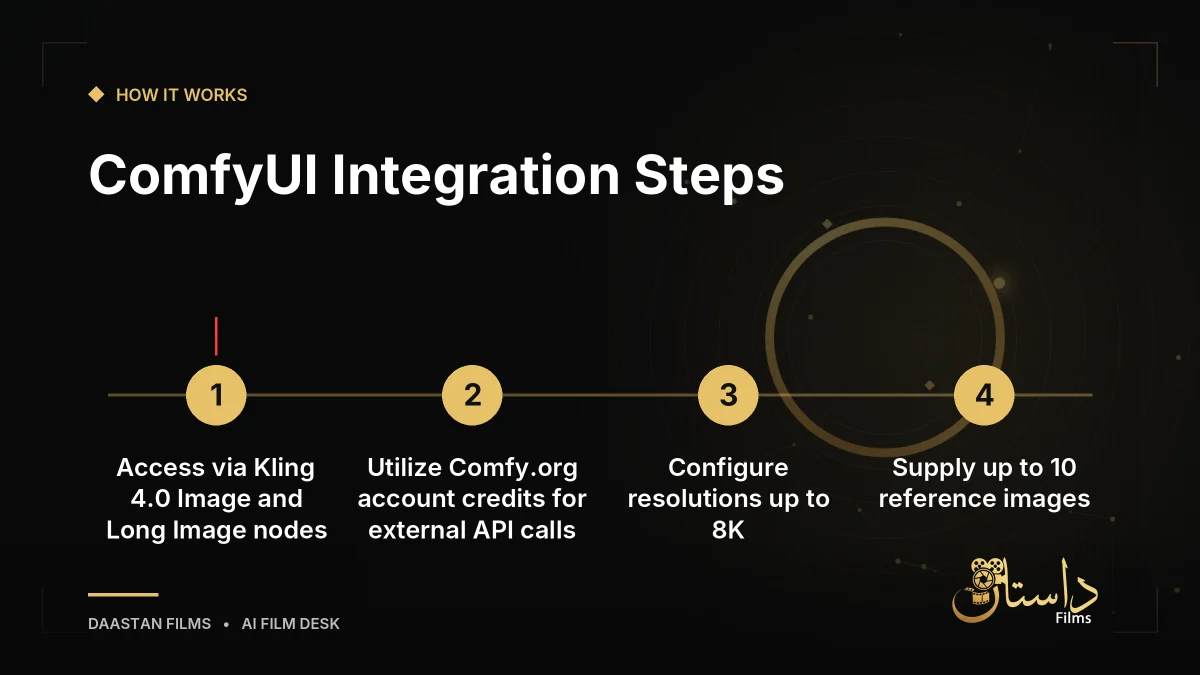
Two partner nodes—named 'Kling 4.0 Image' and 'Kling 4.0 Long Image'—were merged into the ComfyUI main branch on November 17. Because these nodes call external APIs on Kling's servers, they rely on a Comfy.org account for credits rather than running locally on a local GPU. Creators should note that as of mid-November, these additions are part of the main branch and require waiting for future stable releases if not using the latest development code.
The Kling 4.0 Image Node
This node handles text-to-image generation as well as generation and editing tasks using reference images. Creators can supply up to 10 reference images, referenced in prompts as @Image1, @Image2, and so on. Resolution options include 2K, 4K, and 8K, while aspect ratios range from auto to standard cinematic and vertical formats like 9:16, 2:3, 3:4, 1:1, 4:3, 3:2, 16:9, and 21:9. The 'auto' setting matches the reference image or the prompt if no reference is provided.
The node also features a series_amount setting to output between 2 and 10 related images while keeping a consistent character or art style. If 'auto' is chosen, the model determines the number of images. While a seed field is present, the node description notes that results will vary with each execution regardless of the seed value.
The Kling 4.0 Long Image Node
Designed for vertical formats, this node provides two specific skills: webpage and ecommerce. For webpage design, creators can optionally include a style reference image (@Image1) and a subject image (@Image2), and are advised to specify the text language directly in the prompt. Resolutions for this skill are available in 1K or 2K. For e-commerce product detail pages, creators include 1 to 3 product images and select a length of short, medium, or long, with resolutions also available in 1K or 2K.
Practical Workflow Approach and Cautions
When approaching this workflow for film storyboards, advertising layouts, or concept art, creators should establish a methodical testing framework. Start by defining your brief clearly, keeping in mind that prompt token limits and rendered character limits serve different functions. If generating text-heavy graphics or multi-image storyboards, test with small batches first to evaluate typography accuracy and stylistic consistency across your assets.
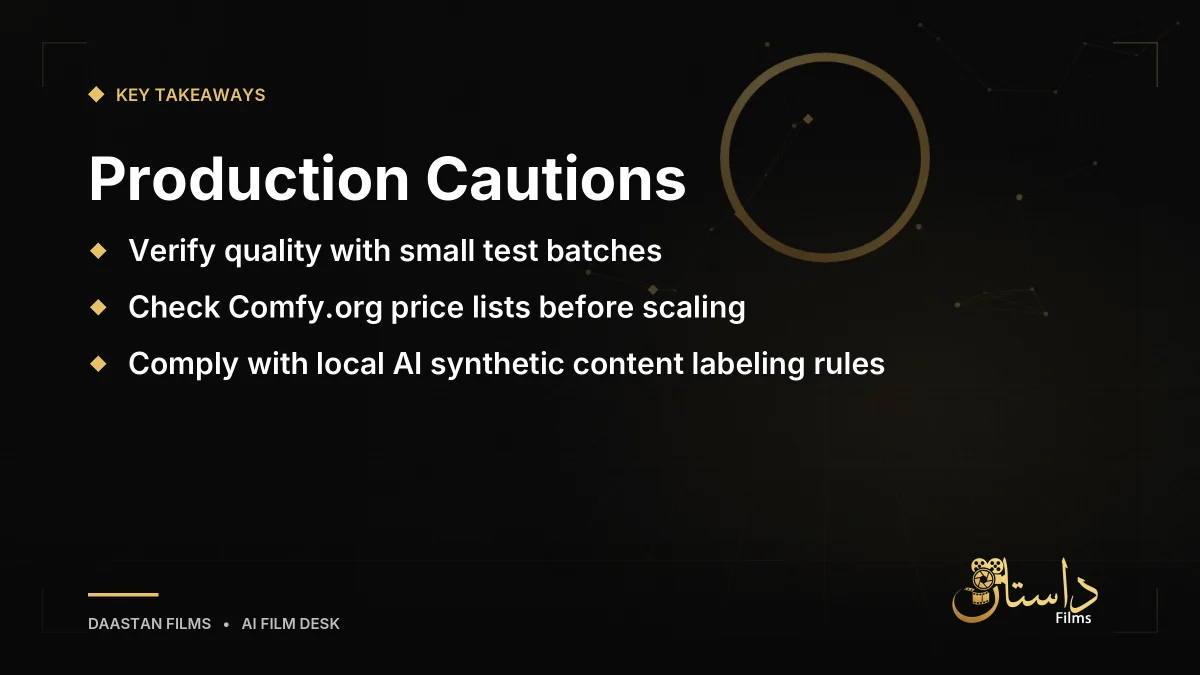
Several limits and cautions should be weighed before deploying these assets into active production pipelines:
- Quality and Verification: Native 8K and text rendering capabilities are currently based on developer descriptions and examples. Independent third-party evaluations should be consulted to verify performance against specific production needs and ensure long text renders accurately.
- Pricing: Partner nodes consume Comfy.org account credits, with estimated costs scaling by resolution, reference image count, and set size. Always check the official price lists on Comfy.org before launching large batch jobs.
- Compliance: Public-facing AI-generated synthetic content may be subject to regional labeling rules, watermarks, or local regulatory requirements depending on your jurisdiction and how the final media is distributed.
By carefully combining Kling Image 4.0's native resolution and text rendering tools with ComfyUI's flexible node architecture, visual developers can streamline asset creation for professional pipelines. Always verify actual billing structures and terms of service before deploying generated assets into commercial projects.
Frequently asked questions
Kling Image 4.0 introduces native 8K image generation, text rendering of up to 2,000 characters in a single image, and batch generation of up to 10 images from a single prompt with consistent art direction.
The partner nodes 'Kling 4.0 Image' and 'Kling 4.0 Long Image' call external APIs on the Kling server side using credits from a Comfy.org account, rather than executing locally on a GPU.
The Kling 4.0 Image node supports 2K, 4K, and 8K resolutions with various aspect ratios ranging from auto and vertical formats to widescreen cinematic ratios.
Have a film, DVC or AI project in mind?
Daastan Films blends production, post-production and AI. Let’s talk about yours.